> For the complete documentation index, see [llms.txt](https://docs.fuul.xyz/llms.txt). Markdown versions of documentation pages are available by appending `.md` to page URLs; this page is available as [Markdown](https://docs.fuul.xyz/developer-guide/troubleshooting.md).
# Troubleshooting
Common issues when integrating with Fuul and how to resolve them.
{% hint style="warning" %}
Fuul uses a **metadata versioning** system. Any changes to your configuration (conversions, triggers, payout terms) must be **published** from the dashboard for them to go live. If you don't publish, the changes remain in draft and won't process events.
{% endhint %}
## Quick reference
| Symptom | Likely cause |
| ------------------------------- | --------------------------------------------------------------------------------- |
| Events not appearing | Configuration not published, wrong event signature, API didn't return `201` |
| Conversion exists but no payout | Fraud detection flag, user not in audience, payout only set for affiliates |
| Payout amounts are wrong | Incorrect payout term configuration, currency mismatch |
| Attribution not working | `sendPageview` or `identifyUser` not called, user didn't arrive via referral link |
| Scheduled events missing | Token Holder / Subgraph events only log at their scheduled time (0 UTC for daily) |
## Finding conversion events
If you cannot locate a conversion event, follow these steps:
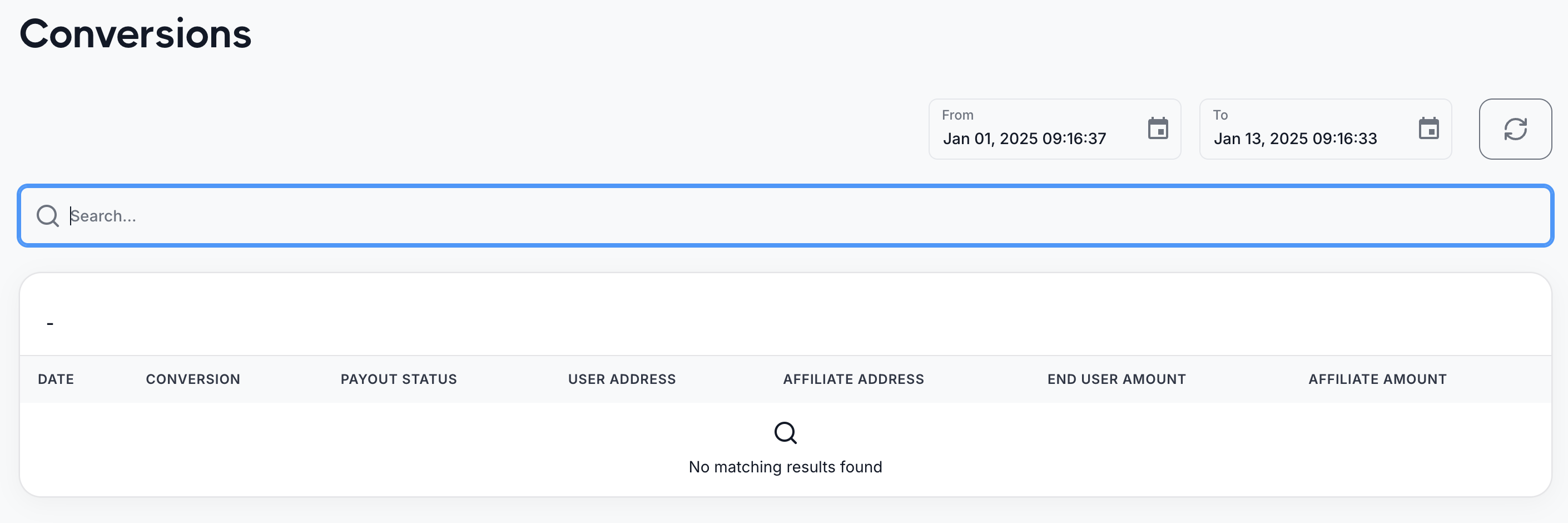
**1. Check Activity > Conversions**
Start by looking in the **Activity > Conversions** section of the dashboard.
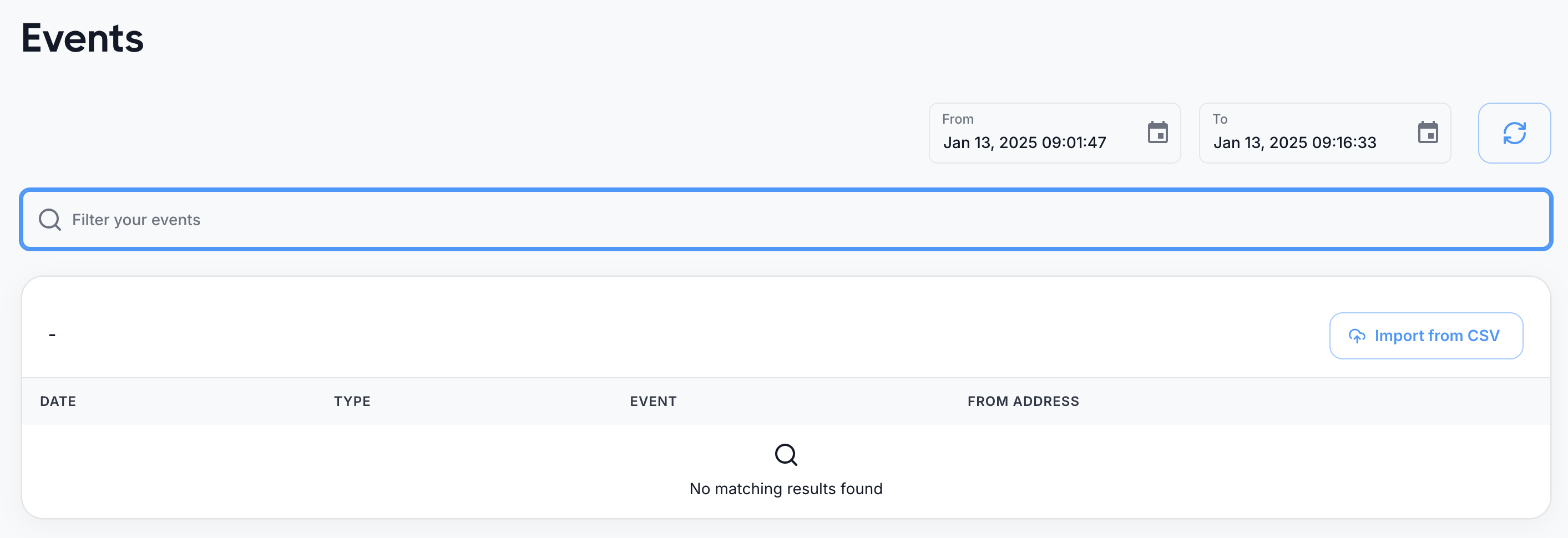
**2. Search Activity > Events**
If the conversion is not there, go to **Activity > Events** and filter by:
* Date range
* Address or conversion name
{% hint style="info" %}
Token Holders and Subgraph events are logged at the scheduled time — at 0 UTC if they run once a day, or at the specific times matching their configured frequency.
{% endhint %}
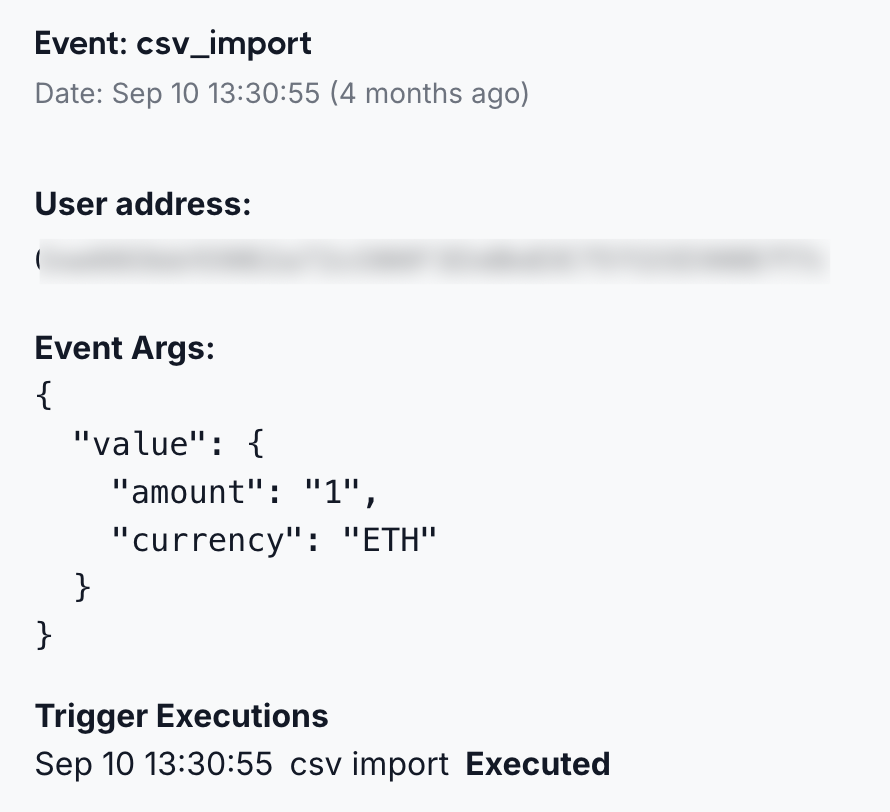
**3. Event found — check the Trigger Execution**
Open the event and look at the **Trigger Execution** section in the drawer:
| Scenario | Action |
| ------------------------------------------ | ----------------------------------------------------------------------------- |
| There's an error | Review the error message and adjust the trigger configuration |
| Trigger execution exists but no conversion | Check the conversion's **rule configuration** to ensure it's set up correctly |
**4. Event found but no trigger execution**
| Event type | What to check |
| ---------------- | ------------------------------------------------------------------------- |
| Off-chain events | Make sure the trigger's **signature** matches the event name sent via API |
| All events | Check if there are **Condition Filters** set on the trigger |
**5. Event not in Activity > Events**
This means Fuul did not receive the event:
| Event type | What to check |
| ---------------- | ----------------------------------------------------------------------- |
| Off-chain events | Verify the API request returned a `201` (created) status |
| On-chain events | Verify the trigger configuration — contract address and event signature |
## Finding payouts
If you cannot locate a payout, follow these steps:
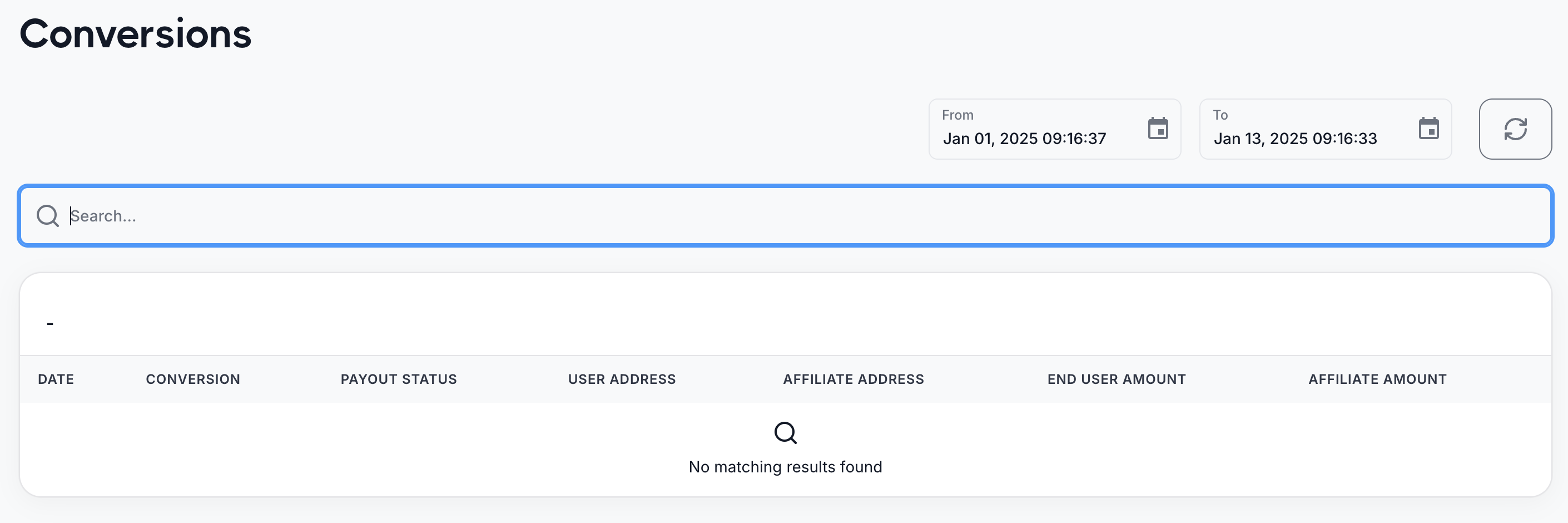
**1. Check Activity > Conversions**
Look for the conversion and review its **Payment Status**.
**2. Conversion exists but no payout**
Open the conversion drawer and check the status:
| Possible cause | Description |
| ----------------- | ---------------------------------------------------------------------------------------------------------------------- |
| Fraud detection | The conversion may be flagged as fraud. Fraud only blocks the **referrer** payout — the end user still receives theirs |
| No audience match | The user may not belong to any audience required by the payout rules |
**3. Check the payout configuration**
If none of the above apply:
* Verify payouts are set correctly — e.g., if payouts are only for affiliates, confirm the conversion involves an affiliate
* Confirm the conversion is configured to generate a payout
**4. Conversion not in Activity > Conversions?**
Follow the steps in **Finding conversion events** above to trace the event.
## Common SDK issues
| Issue | Solution |
| ---------------------------- | ------------------------------------------------------------------------------------------------------------------------------------------------------------ |
| `sendPageview` not tracking | Ensure `Fuul.init()` is called before `sendPageview`. The SDK must be initialized with a valid API key |
| `identifyUser` failing | Verify the `user_identifier_type` matches the identifier format (`evm_address`, `solana_address`, `sui_address`, `xrpl_address`, `stellar_address`, `email`) |
| Affiliate code already taken | Use `Fuul.isAffiliateCodeFree()` to check availability before creating |
| Rewards data not showing | Rewards are updated hourly — recent conversions and payouts will appear within a maximum of one hour |
{% hint style="info" %}
If you've reviewed these steps and still cannot resolve the issue, contact us for assistance.
{% endhint %}